






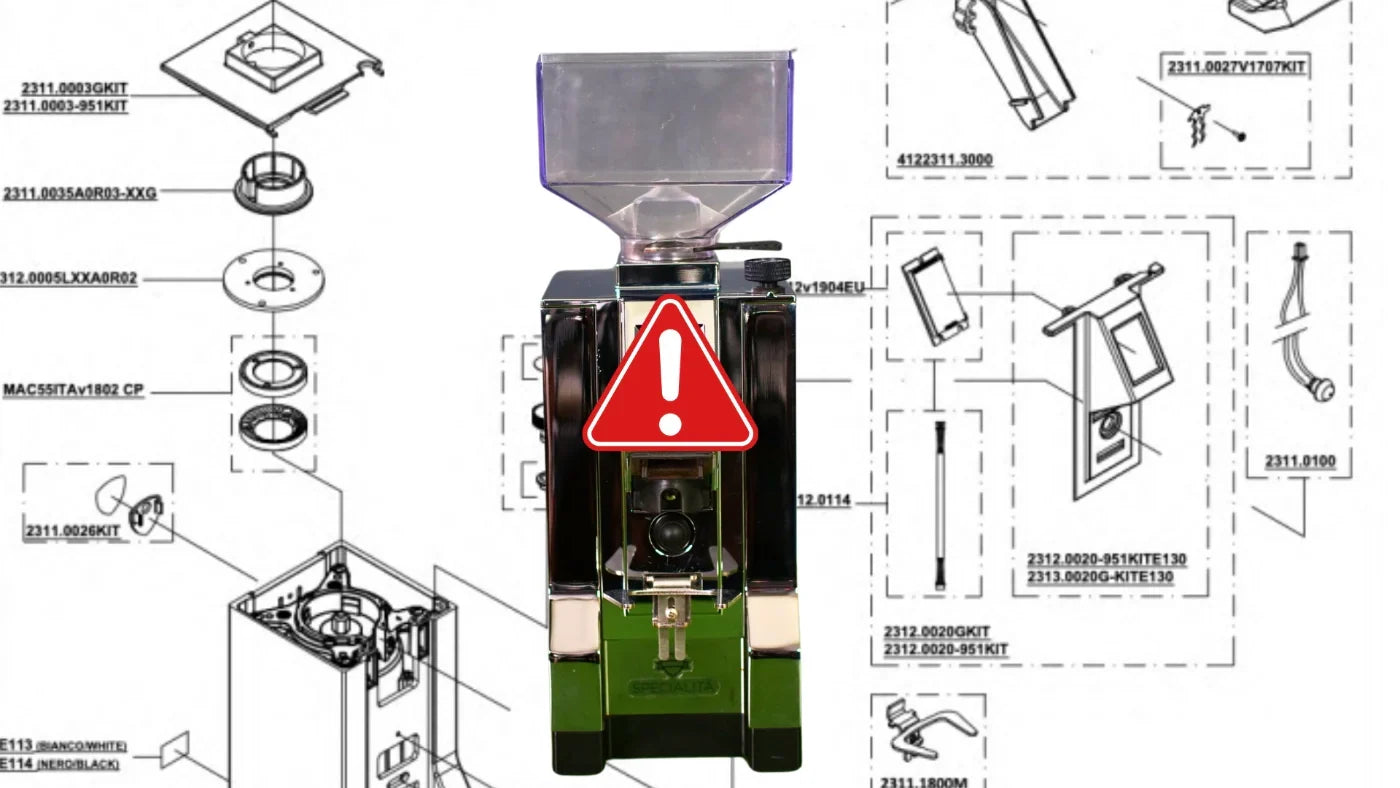

Eureka grinders – above all the Mignon Specialità – are bestsellers on the coffee market. We also tested the grinder a few years ago and gave it a generally good assessment. But the grinder does occasionally cause problems. This article deals with one such issue.
I became aware of it because Chris from Kaffeepod pointed out a recently recorded episode with Johannes. And the two of them shared a problem: the touchscreen display of their Eureka Mignon Specialità had given up the ghost. Replacing the display provided a solution. But the error occurred again. While Chris replaced half the grinder, Johannes looked for a solution on the software side.
In this blog post, you'll learn what the problem looks like, how Johannes managed to solve it, and why Eureka itself must absolutely take action here.
Thanks to Chris and Johannes for your work and documentation of the problem and solution. The blog posts and podcast are all linked below.
The Problem: When the Timer Won't Work
The Eureka Mignon Specialità – like many models in the Mignon range – is equipped with a touchscreen display that lets you adjust the grinding times (i.e., the seconds for the timer). Normally, two timer profiles are offered (e.g., "single shot = for one cup" and "double shot"), which can be set independently of each other. But for some users, a recurring problem develops sooner or later:
- Suddenly the familiar timer is missing the leading zero, or only a very small range of seconds is displayed (for example, 0 – 9.9 seconds).
- The actual timer runtime no longer matches the numbers on the display. The grinder grinds, for example, much longer than it should according to the display.
- Sometimes it affects timer 1, sometimes timer 2. The other timer usually continues to work correctly.
- For many affected users, only a display replacement helps – but eventually the problem occurs again.
While some Mignon users never hear of this error, for others it's a source of endless frustration: the displays fail again and again within or after the warranty period, and for most retailers or the manufacturer itself, the supposed "solution" is simply to replace the display. This keeps you functional again for a while, but in the long run it's obviously frustrating – not to mention the unnecessary e-waste and the costs involved.
The Research: Johannes' Firmware Analysis
Chris from KaffeePod was one of those affected whose display failed multiple times. After the third failure and a lot of hassle, the grinder eventually sat idle for a while. Johannes faced a similar situation: at first the replacement display served him well for a while, until that new panel suddenly exhibited exactly the same error.
At this point, Johannes, who works professionally in IT security, decided to dig deeper into the matter. He opened his grinder, examined the installed electronics, and stumbled upon a microcontroller – a small chip that runs the actual control software (firmware). Using a simple programmer available from electronics retailers, he was able to read out the firmware of his defective display and was amazed:
- On all displays – whether new or old, functioning or defective – the same firmware version was present (marked as "Firmware 1.0").
- The only thing that distinguished defective displays from functioning ones was 24 bytes in an area of memory where user settings (e.g., timer lengths, counter readings) are stored.
As soon as Johannes reset this memory area back to the "factory setting" (essentially a reset), the display worked like new again. Whether this completely resolves the problem – i.e., for good – is not guaranteed. But at least you can get a defective display working again without expensive replacement, and e-waste is avoided.
Why Is This a Firmware Problem – and What Does That Mean?
The experiences show:
- The rest of the grinder electronics (capacitors, power supplies, circuit boards in the base, etc.) can be ruled out in many cases – many users have already tried and replaced everything there.
- If you reset the memory area where the timer data is saved back to "factory condition," the grinder works.
- A pure hardware failure (such as a loose contact on the touchpad) cannot not be the main cause if at the same time these 24 bytes in memory are "corrupted" and then the timer malfunctions.
All of this strongly suggests a software problem that can occur both on the Specialità and on other Mignon variants (e.g., Brew Pro, Design, Perfetto, and more) as long as the same touchscreen display and firmware are installed. To date, there is no official updated firmware version that would fix this problem.
The Result of Johannes' "Tinkering": A Homemade Solution
On his blog, Johannes has described in detail how to remove the defective display, connect it to a programmer, read out the memory, and reset the affected area. (Link to Johannes' blog post on touchscreen repair)
For the technically inclined, this offers a comparatively simple "workaround":
- Remove the display board.
- Read it out using a PIC programmer.
- Reset the critical 24 bytes to their original values.
- Reflash the firmware and reinstall the display.
The grinder then works again – without having to buy a new touchscreen.
Of course, not everyone is willing to unscrew the grinder and tinker around with microcontroller territory. But especially at repair cafés or with technically savvy friends, it can be done. And when you look at the prices for a replacement display and the associated (repeated) trouble, it can be worth it.
Why Should Eureka Act Urgently?
As useful as Johannes' workaround is, it's no substitute for an official solution from the manufacturer. Eureka sells its devices worldwide with very different warranty and service conditions, and typically directs every end customer to contact their retailer.
But even if a defective display is replaced for free under warranty, the core problem remains:
- The problem can (and probably will) occur again.
- Replacing the display creates unnecessary e-waste and ties up resources for both retailers and end customers.
- Affected users are understandably extremely frustrated by the third display at the latest – especially since some only discover after the warranty expires that they have a defective display again.
A Firmware Update Would Be the Solution
The microcontroller memory reveals that really only 24 bytes differ between a functioning and a faulty state. With a targeted update, one could probably change the critical write and read procedure in the controller so that these errors don't occur in the first place.
Eureka should tackle this development urgently – also in the interest of customer satisfaction and sustainability. When you buy a premium product, you don't want to regularly dispose of the display. And a mere replacement solution along the lines of "just buy a new panel" is neither customer-friendly in the long term nor ecologically sound.
Conclusion: More Sustainability and Customer Satisfaction Instead of Display Replacement
- The error pattern: Timer settings can no longer be changed, the display shifts, and the grinder suddenly grinds for much too long.
- The cause: Most likely a firmware or software error in which incorrect data is written to the memory area.
- The solution: Resetting these critical 24 bytes is enough to revive a defective display – without costly replacement.
- Appeal to Eureka: An official firmware update, instead of constantly just replacing displays, would be fair from the customer's perspective and long overdue from a sustainability standpoint.
- If all else fails, open source: Eureka could, if they don't want to pursue this problem themselves, make the basics of the code available to the coffee nerd community. Then they could find a clean solution so the error doesn't happen again in the future.
The Eureka Mignon Specialità is actually a great Kaffeemacher: quiet, beautiful in design, with very uniform grinding, low retention, and good flavor results. All the more regrettable that so many displays are simply replaced and thrown away, when a software fix would be the much more elegant solution.
If you're affected yourself or know someone who is, it's worth taking a look at Johannes' detailed description. Repair cafés can also help, since the electronics are basically easily accessible.
Please write in the comments if you're affected and whether you've found a solution or are still looking for one.
Ultimately, it's up to Eureka to take action and provide users with a permanent update so that the fun of the grinder doesn't turn into frustration over unnecessary e-waste and constant replacement purchases.
Are you considering switching because of the display issue? In our Eureka overview, you'll find alternatives.
Further Links & Sources
Johannes' repair instructions on his blog
Discussions on Reddit, Kaffee-Netz.de and other platforms:
- Reddit post on the timer issue
- Kaffee-Netz: Eureka Mignon Specialità touchscreen display defective
- Kaffee-Netz: More Specialità problems