





When our home-brewed coffee tastes fantastic, we often wish for one thing: to be able to make it that way again, for ourselves and those around us. However, brewing coffee is a combination of many factors, and mastering an espresso shot or a filter coffee brew exactly the same way twice is not that easy.
Some home baristas use a notebook, others freestyle from time to time, and more and more people are using Beanconqueror. Beanconqueror is an app created by German developer Lars Saalbach. He provides Beanconqueror to the coffee community for free, is constantly developing the app, and sets an exemplary standard for data protection and transparency.
We are big fans of Beanconqueror and have featured the app in our videos several times now. In this article and the accompanying video, we would like to introduce you to Beanconqueror.
By the way: if you would like to import the information about our coffees into the app, you can now do so easily with a button. You will find these buttons integrated into many of our coffee product pages.

In a nutshell - what is Beanconqueror?
Beanconqueror is available as an app for Android and iOS. The app allows you to track almost all variables of a coffee brew. Whether it's the brewing method, beans, grinders, scales, or pressure sensors, and much more; everything can be entered or even integrated into Beanconqueror.
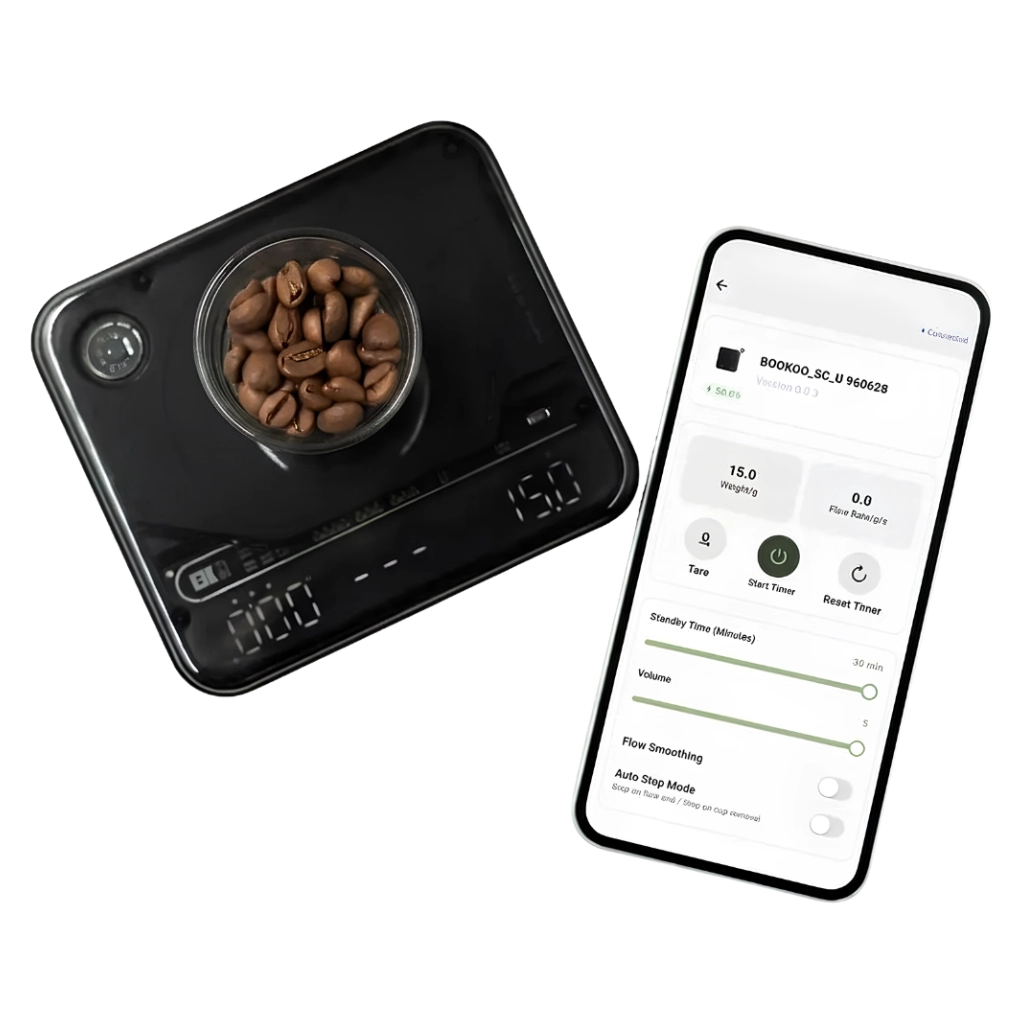
Integrated means that we can connect many Bluetooth-enabled scales, temperature gauges, and even refractometers or pressure sensors (linkable with, for example, Faema E61 brew groups, the Flair, or Cafelat Robot) to the app. These are displayed to us as a graph during the brew. However, you don't have to do all of that, although a connected scale unlocks many interesting possibilities.
Beanconqueror not only has an incredible range of functions but is also very flexibly customizable. You can use the app as a flavor database for tasting results, a recipe book, a tool for comparing brewing equipment or grinders, and even as a raw coffee archive for home roasters. There are no limits to the ways you can use the app. And the best part: the app is constantly being further developed. Curious?
Let's dive in and take a look at the different usage methods.

Tracking filter coffee brews
We are brewing filter coffee. We have already saved the grinder and the brewing method beforehand, as well as the coffee to be brewed. They are now available for us to select. We enter the brewing temperature, note the grind size, briefly check if the scale is connected, and press the start button when beginning the brew.
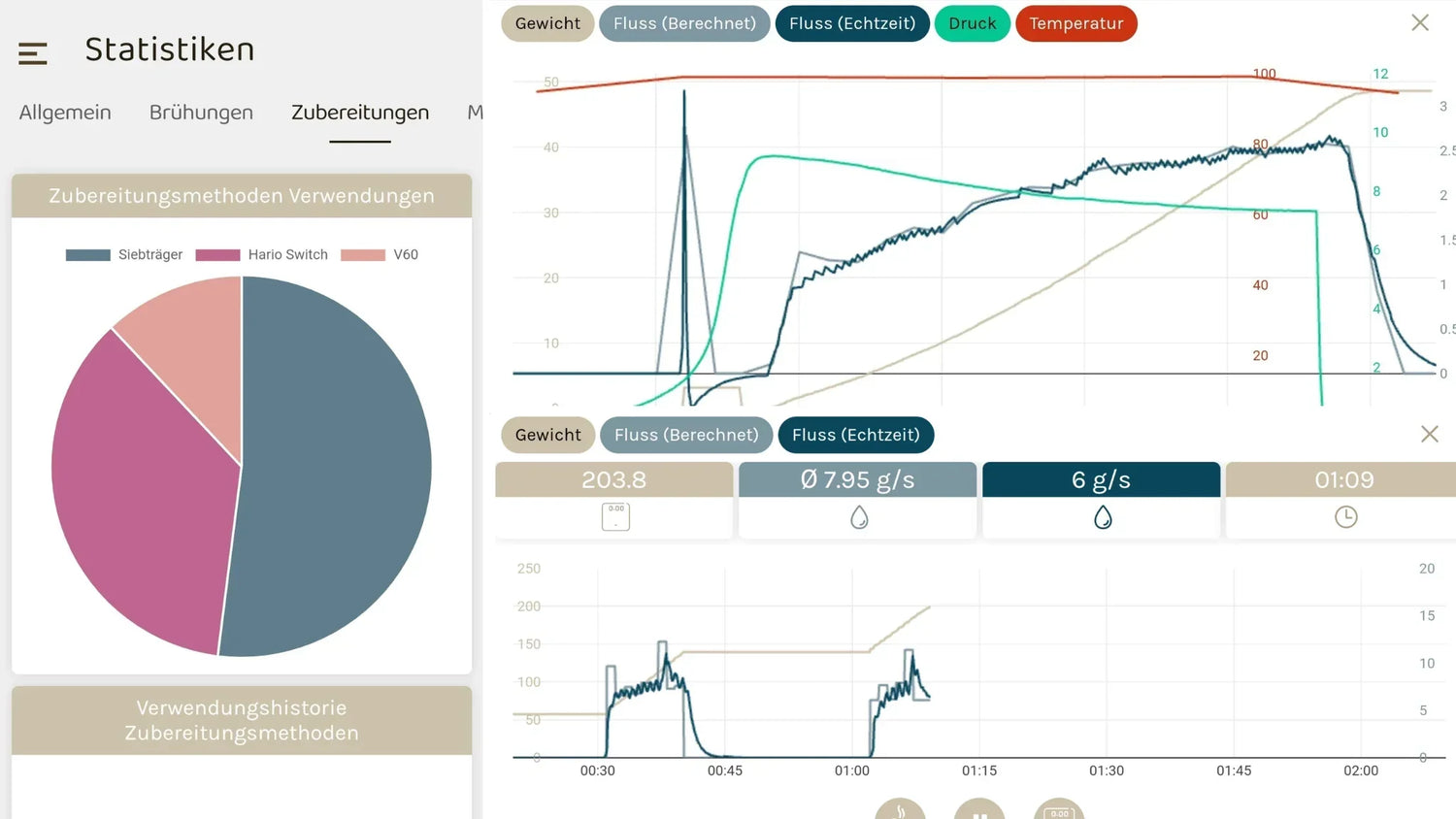
We pour the water for the bloom. Thanks to the connected scale, the amount of water added is visualized in real-time. In addition to time and weight, we see the real-time flow as well as the calculated flow. These graphs can also be deactivated in the settings.
If desired, we can mark the first drops and the end of the bloom with a button. Brewing continues until the final amount is reached. When we finish dripping, we stop the timer.
If you want, you can now add a note and a rating for the coffee. In the parameters, many more options can be enabled, such as saving TDS, photos, or the effective beverage weight. Was this brew your favorite? You can save it as such and quickly find it in your brew archive again.
Tracking espresso shots
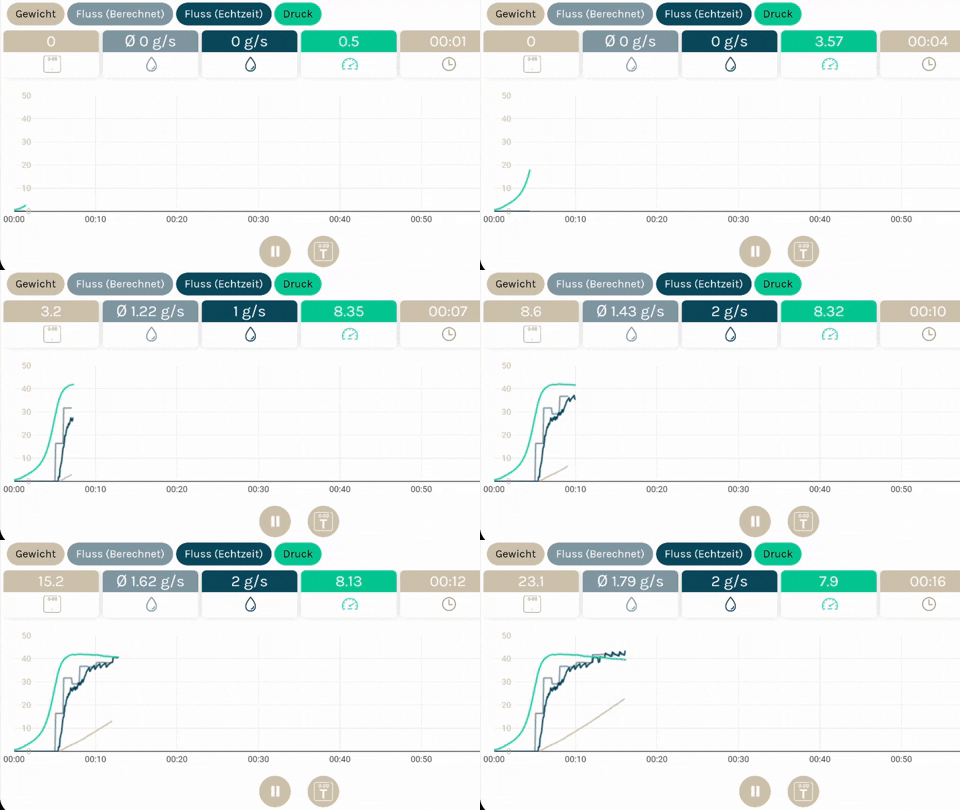
Instead of the filter coffee method, we select a portafilter. Our input window changes, and Bluetooth-connectable pressure gauges can be connected in addition to the scale. These create a new option: we can automatically start the shot when a definable pressure value is reached. Of course, we can still start the shot manually, and manually record the first drop as well as the end of a potential bloom.
In addition to the weight on the scale, the graph now also shows a pressure curve. With espresso, we can also have the brew automatically stopped by the scale, for example, when a minimum flow of 0.1 g/s is reached.
And it gets even more impressive. Those who have Bluetooth-enabled temperature controllers such as the ThermaQ Blue or BlueTherm from ETI Ltd can even integrate temperature curves. Naked Portafilter offers a corresponding adapter that can be used to connect both the pressure sensor and the thermometer to the Faema E61 and similar machines. It's simply brilliant!

Functionality and flexibility
Tracking the brew is the heart of the software, but the scope of functions goes much further. The app is flexibly designed. You choose for yourself which functions and input options you want, and if necessary, you can even set them for each preparation method.
Is water important to you? Then you can unlock a water database and, in addition to grinders and filter methods, also track water.
If you want to save the Free On Board (FOB) or farmgate price of your coffee, you can enable that too. You log and save what you want. Nothing more and nothing less.
You design your views, interfaces, and workflows to your liking.
Open Source, transparency, and data protection
In terms of transparency and data protection, the app is exemplary. When we were thinking about our CO2 calculator for roasteries, Beanconqueror was a source of inspiration in this regard.
It is shown transparently which data is tracked, how the app is financed, and what financial expenses are incurred. Lars and the supporting developers also make the entire source code public.
Do you want to support Beanconqueror? You can do that here.

Supported tools
We are currently testing various Bluetooth-enabled devices, so we have read through the lists of supported devices in Beanconqueror. A lot is possible, and the work done here by Lars and a small community of open-source supporters should not be underestimated.
In fact, every Bluetooth scale and every interface has to be integrated individually. And while common sense suggests that all scale manufacturers should celebrate this, some behave rather ingloriously by not providing support for open systems or even actively putting obstacles in their way. Unfortunately, Acaia must also be mentioned here as the global market leader in Bluetooth coffee scales.
What is currently supported?
Scales
- Decent Scale
- Acaia Scales
- Felicita Scales
- Hiroia Jimmy
- Skale 2
- DiFluid Microbalance
- Smartchef Scale
- Blackcoffee.io
- Eureka Precisa
(As of September 8, 2023) There are updates all the time. It is best to check directly in the app to see which other scales have been integrated.
Pressure sensors
- Pressensor
- Smart Espresso Profiler
- Popsicle - Do It Yourself
Other
- Refractometer DiFluid R2
- ETI Ltd Thermometer (ThermaQ Blue)
Bean inventory and statistics
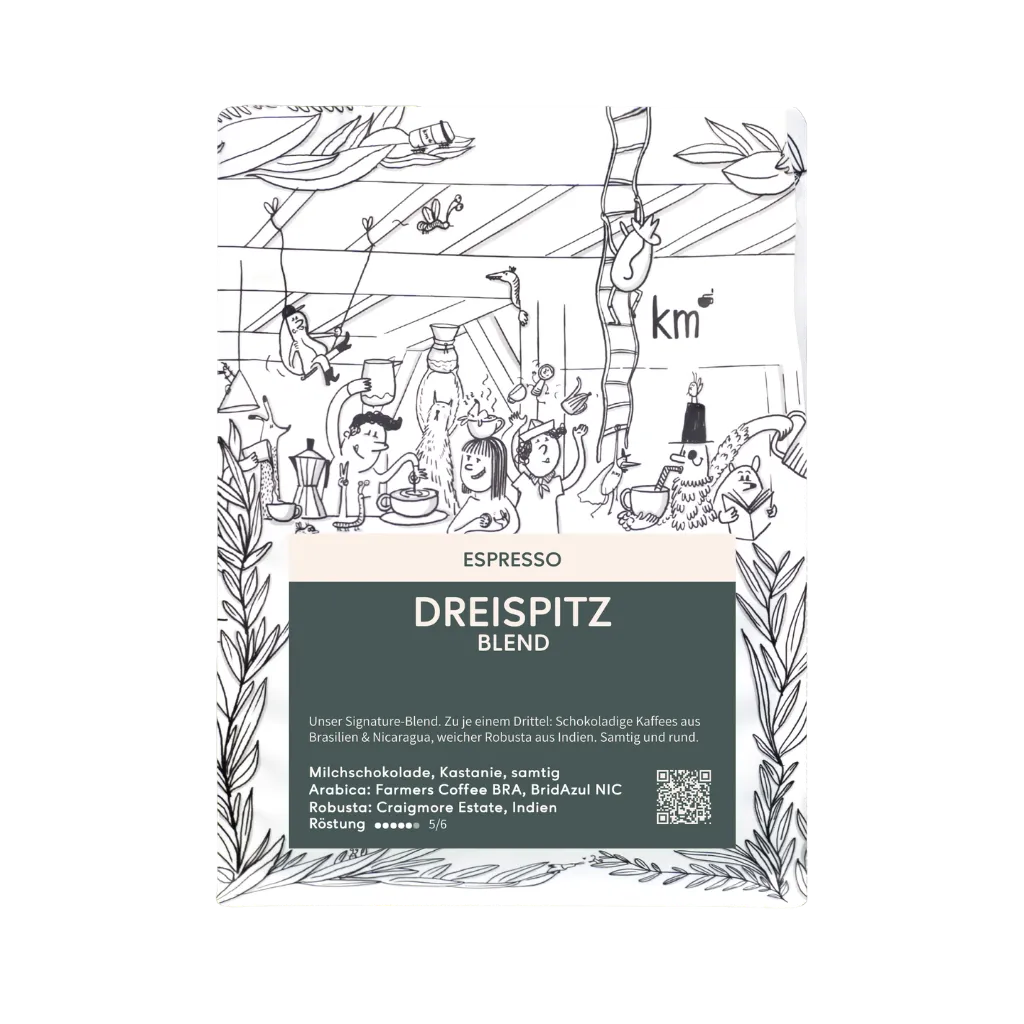
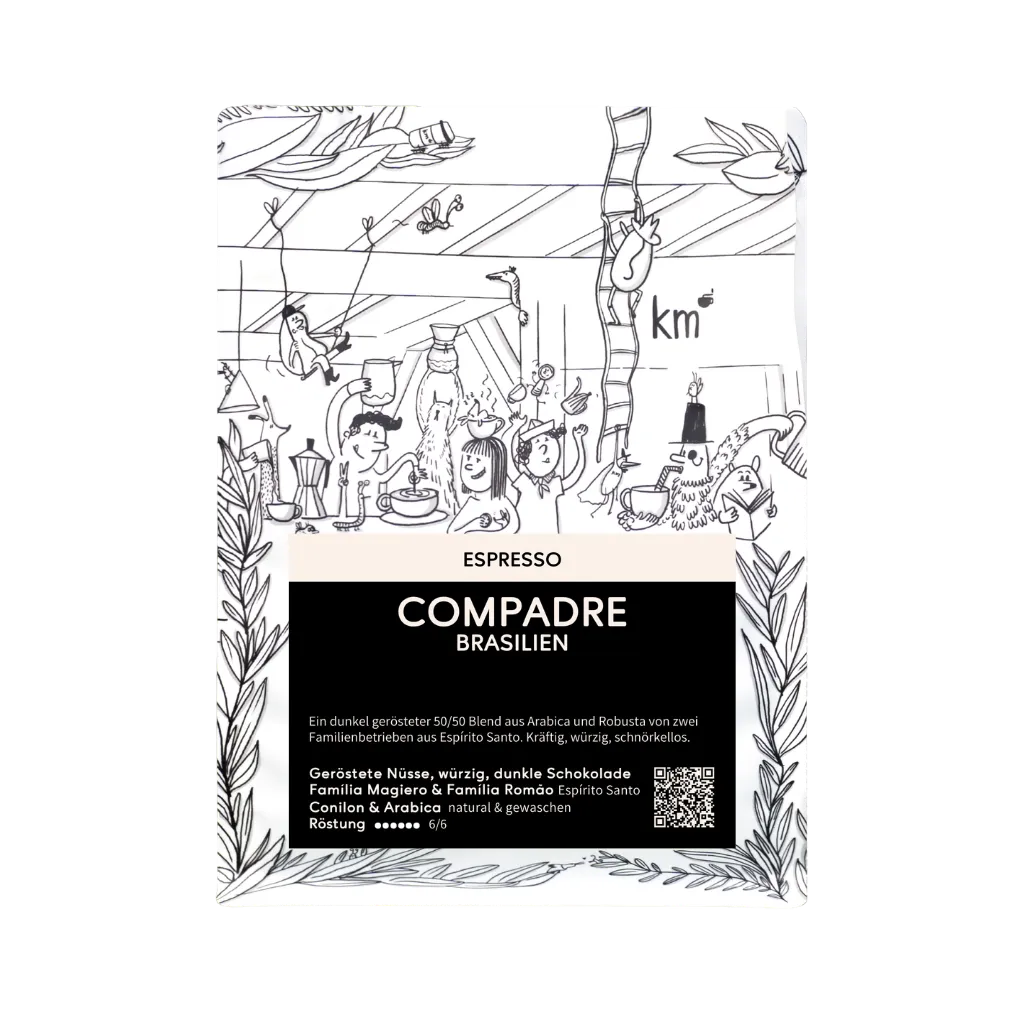
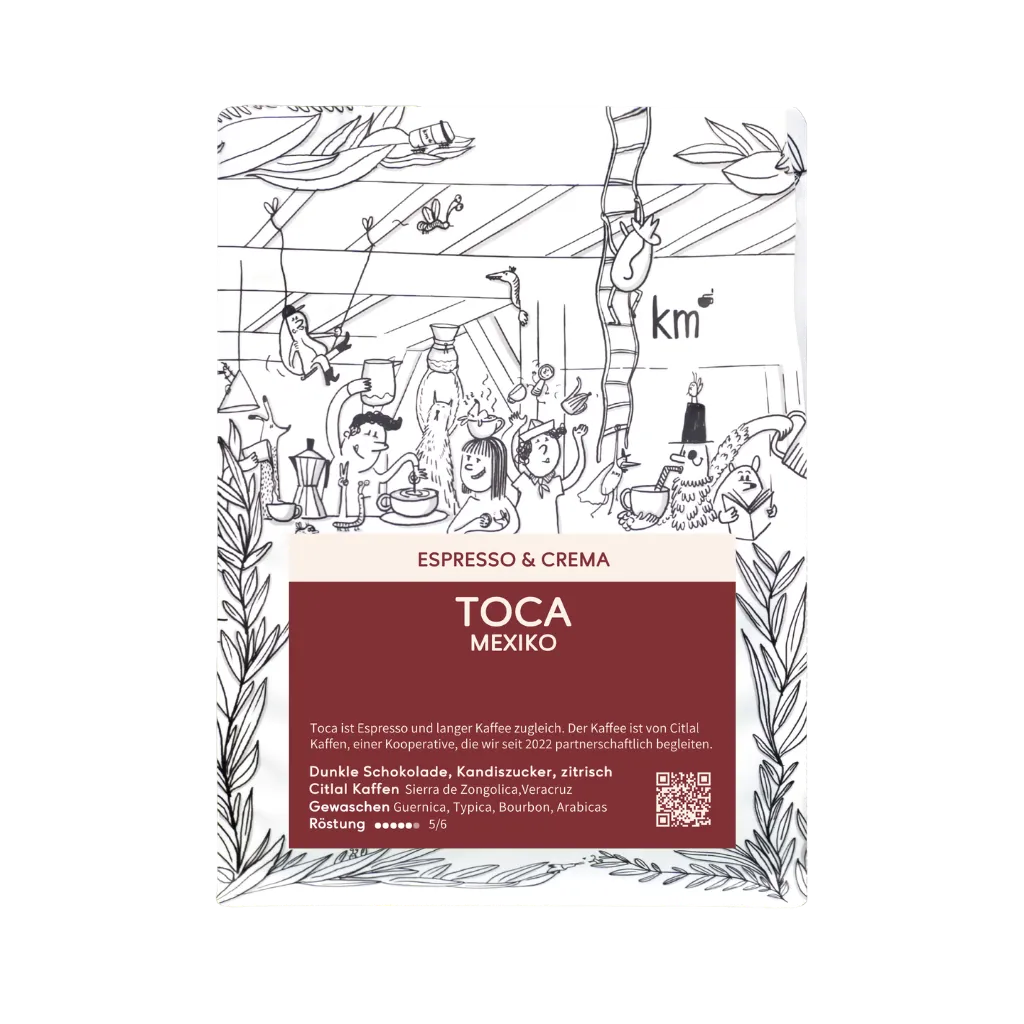
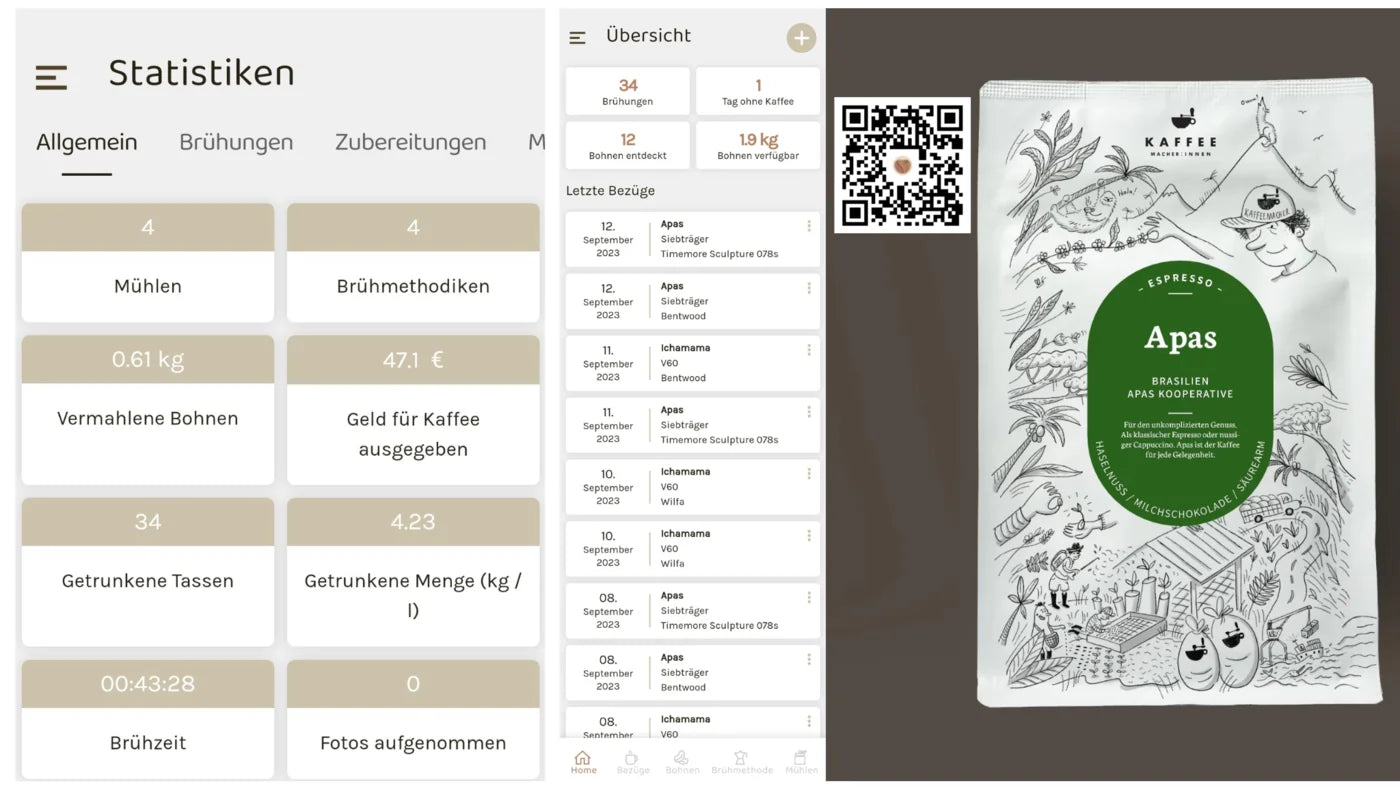
Beanconqueror can also manage your bean inventory. You can add beans or import them from roasteries that support Beanconqueror. We are doing this with more and more coffees and are continuously working on adding more. In our case, you can import the bean information from our website. Some roasteries even have a QR code printed on the package. Also very practical.

Once you have imported the beans and also set the amount, Beanconqueror tracks consumption and shows you how much of that coffee you still have left. All this fills your personal consumption statistics. How much coffee have you ground? How long have you been brewing in total? How much money have you spent on coffee…
If you prefer not to know, you don't have to look at these numbers.
Thanks to our Lelit Bianca review, my use of the portafilter has definitely increased significantly and has pushed the V60 and the Hario Switch off my personal top list, says Beanconqueror.
Currently, the following roasteries have imported information into Beanconqueror:
- Us 😉 (in the German and Swiss shop)
- The Coffee Board
- Onoma Coffee
- Max Hase
- Roestbar
- Van Gülpen
- Good Karma Coffee
- Hoppenworth & Ploch
If we have forgotten your roastery, please comment below this article so that we can update the list.
Conclusion and thanks
Beanconqueror is a really great tool. A super utility that makes brewing easier while at the same time opening up a large playing field for us. All this for free, secure with your data, and with direct access to the developer, who offers direct support on Discord, via email, on Telegram, and in English and German coffee forums.
Beanconqueror is a great enrichment and a gift to the entire coffee community. We would like to say thank you for that and look forward to further exploring the app and introducing it in future videos.
We are just at the beginning with Beanconqueror. At the same time, the app is developing so dynamically and incorporating feedback from the community that we are quite sure there is a lot more to come. In this spirit… here is to more and thank you, Lars.

PS: We have exported the first espresso shots from Beanconqueror and imported them into the visualizer, which can also be used to archive Decent espresso shots. Another tool we will take a look at.